
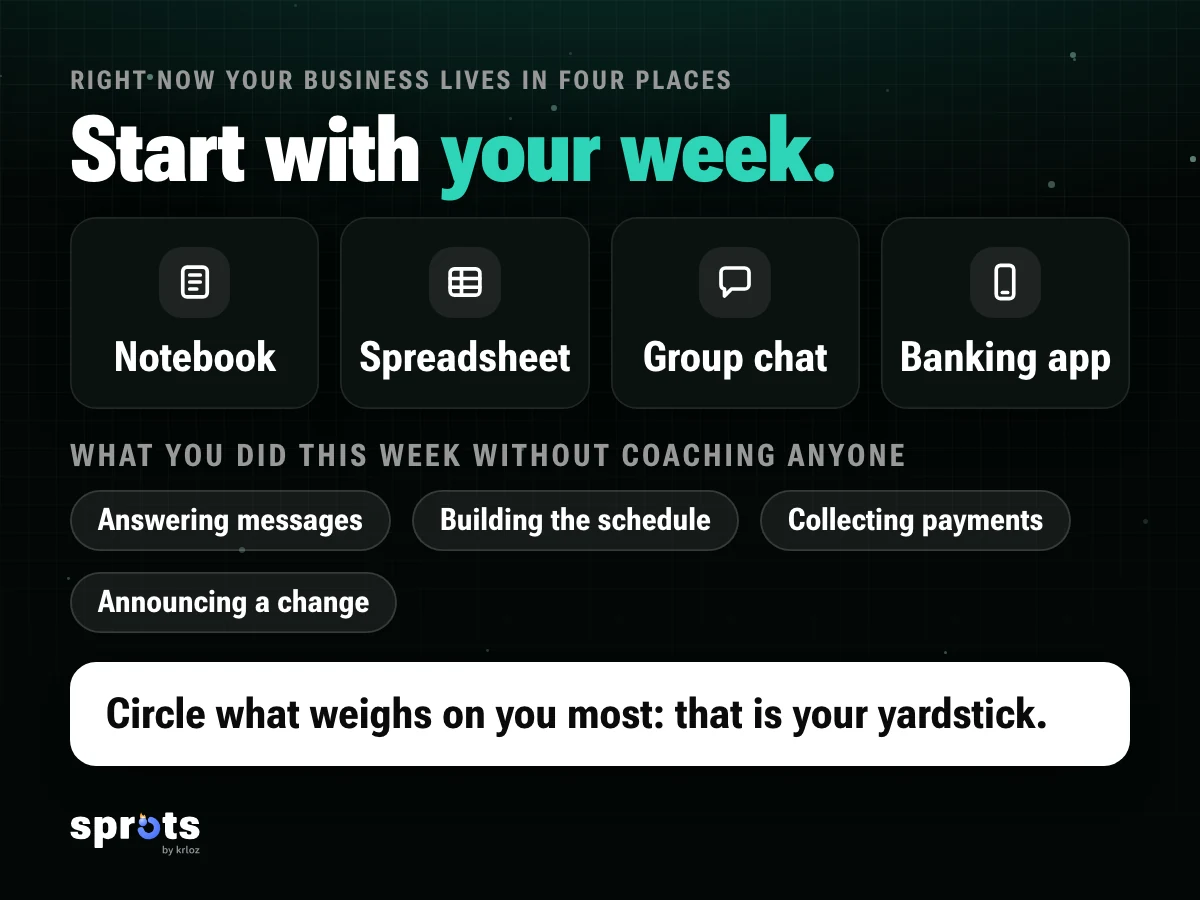
Right now your business probably lives in four places at once: a notebook, a spreadsheet, a group chat and your banking app, where you check who sent money. It works, until you add ten more people. Then the question shows up: is it time to move everything into one system?
This guide won't tell you which one to pick. It gives you a checklist so you can decide without rushing, whether you run a gym with 200 members or a coaching business with 12 clients. One fair warning: we wrote it at Sprots, which is also an option. That's why every question below applies to anyone, us included.
Start with your week.
Before you look at any software, write down what you did this week that wasn't coaching: answering messages, building the schedule, collecting payments, announcing a class change, trying to remember who hasn't shown up. Circle the one that weighs on you most.
That's your yardstick. You don't need the system with the most features. You need the one that takes your heaviest chore off your plate without adding a new one.
Gym or coach, same questions.
A coach with twelve clients and a gym with two hundred members do the same job: keep track of their people, their plans, their schedule, their payments and their announcements. What changes is the volume and, at a gym, the team: front desk, coaches, who can see what.
So the two big questions are alike. First: does it work at the size I am today? Second: what happens the day I add someone to my team or open a second location? Ask every system to show you your own case: your gym's class schedule, your park sessions, the plans of your twelve clients.
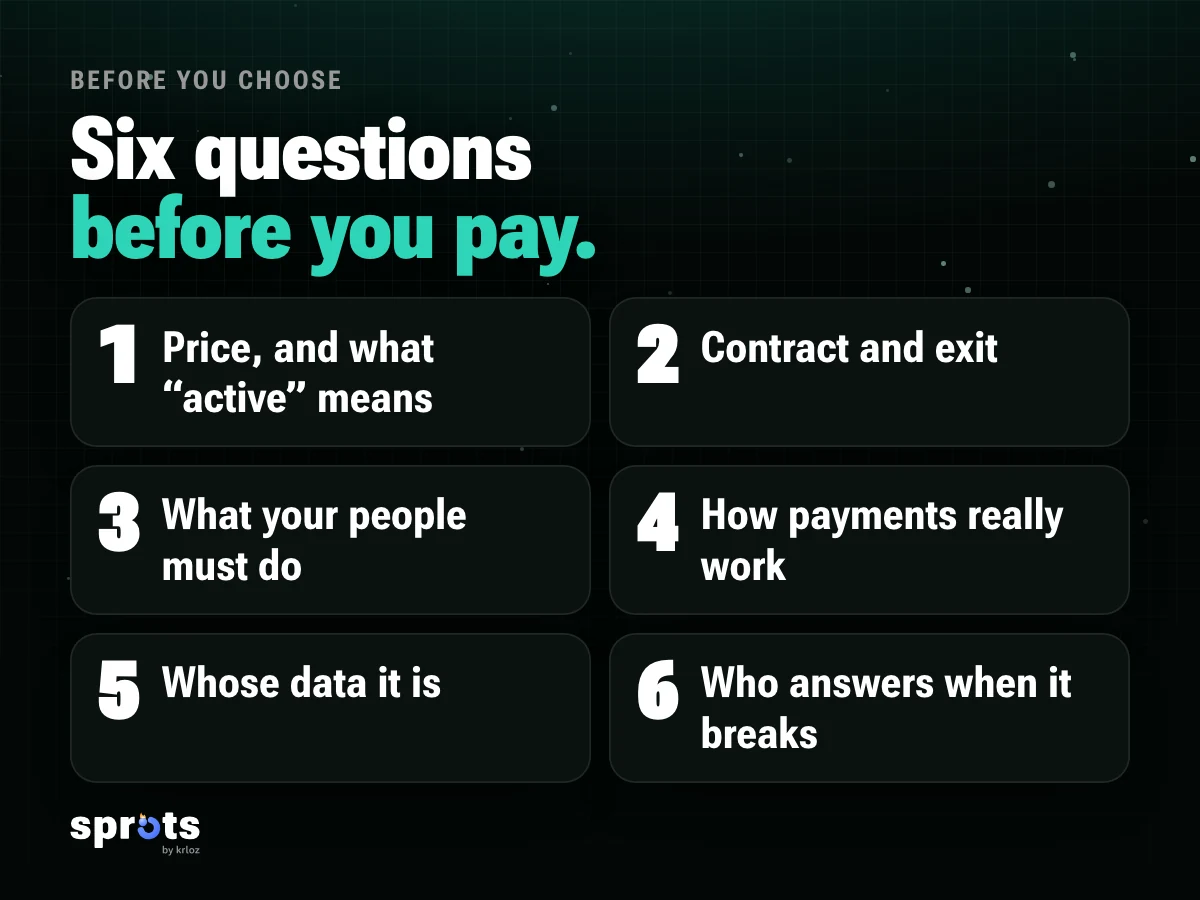
Six questions before you pay.
1. How much does it cost, and how do they count your people? Some systems charge by tiers of active clients, others per location, others ask you to request a quote. Ask what "active" means to them, whether the price already includes tax, and what happens to your bill the month you add more people. A price that isn't posted isn't a bad sign, but it means you have to ask.
2. Is there a minimum contract, and how do you leave? Some require a minimum number of months, six for example. That's not unusual, but you should know before the first payment. Ask if you can pause, and what happens to your data if you go.
3. What do your people have to do? Do they need to download an app, create an account, or does a link do the job? Every step you ask of them is a few people who won't reach the end. Ask too what happens in your gym when there's no signal, which is common in a basement or a courtyard: do booking and logging a session still work?
4. How does collecting payments really work? Look at three things: how your clients can pay (card, bank transfer, cash that you record yourself), whether the charge repeats by itself every month, and who can see who still owes. Ask also what each payment you receive costs you (payment processors usually charge their own fee) and whether the software adds anything on top. For invoices and taxes, talk to your accountant: software organizes your billing, it doesn't replace that conversation.
5. Whose data is it? Your clients' history, payments and personal details belong to them and to you, not to the software. Ask if you can take them with you whenever you want, where they're stored and how someone gets deleted when they ask. Chile's new personal data law (Law 21,719) points the same way: use people's data only for what you told them, and answer when someone wants to see it or delete it.
6. Who answers when something breaks? On a Monday at 7 a.m., with a full room, you need a person, in your language, in your time zone. Ask how long they take to reply and through which channel, and look for the opinion of someone with a business like yours, not one of a different size or a different field.
Try it with a real week.
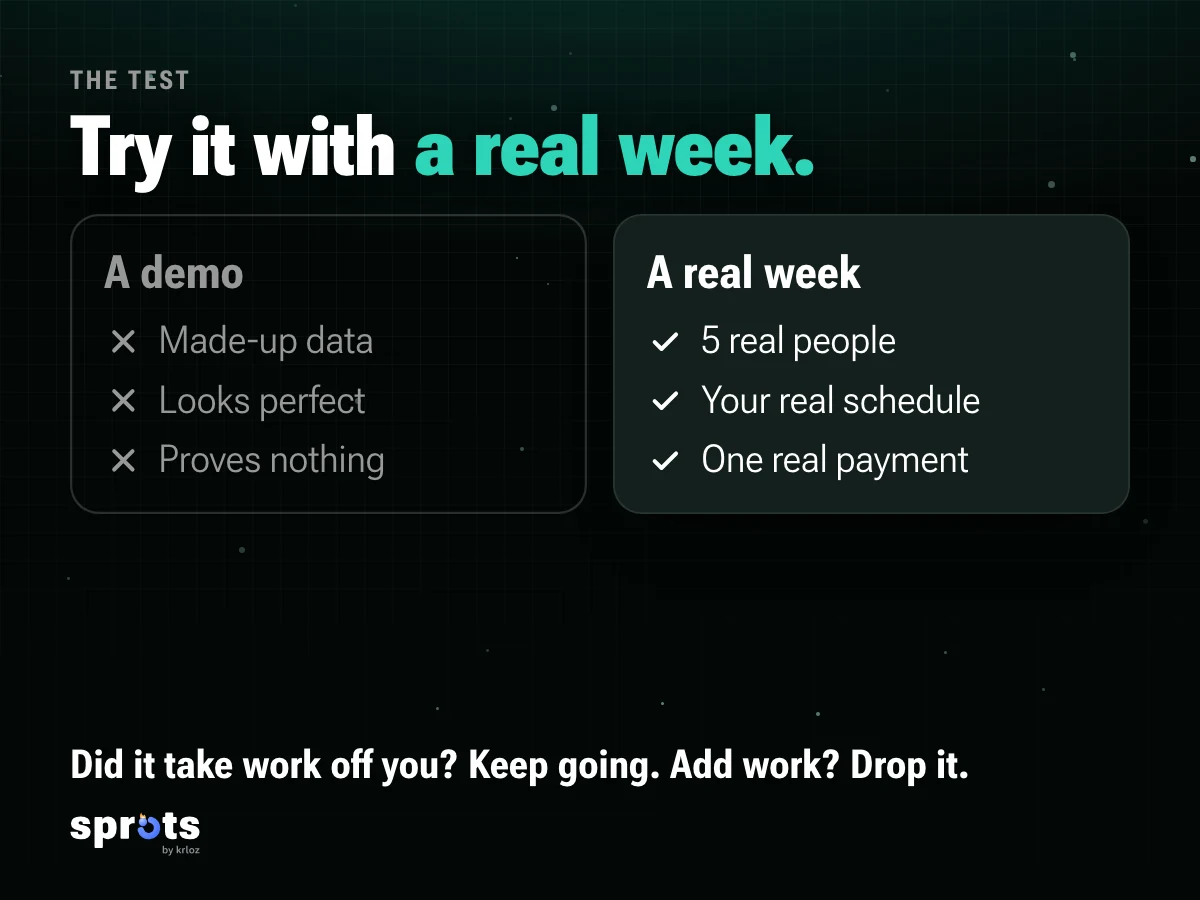
A demo with made-up data proves nothing. If there's a trial or a free plan, load five real people, your real schedule and one real payment.
At the end of the week, check how much work it took off your hands. If it took some, keep going. If it added work, or you had to call three times to figure out how to do something, drop it, however good it looks in the video.
What you'll find out there.
Most options fall into three groups: systems to run a gym or a box (bookings, memberships, payments, reports), training apps that the client uses (routines, logging sets) and spreadsheets with good intentions. There are mixes, too.
One example of the first group is BoxMagic. On its Chile site it describes itself as cloud software to run sports centers, with bookings, online payments, reports and an app where people book and pay. That same site lists plans based on the number of active clients (we checked on 19-Oct-2026; terms can change). We mention it as an example of what you'll find, not as a recommendation or a criticism: ask it the same six questions you'd ask anyone.
Warning signs.
- You can't see the price or talk to a person before paying.
- They push a "today only" deal.
- They won't let you take your data with you.
- They ask you to load your whole membership before you can try it.
- The demo looks perfect, but they won't let you try it yourself.
And Sprots.
Sprots brings your people, their plans, your schedule and their payments into one place, and the people who train with you use the same app, on iPhone and Apple Watch. It's for coaches and for gyms: both keep their people, plans and payments there. Coming soon to the App Store and Google Play. Tell me when it launches →